
One quick fix

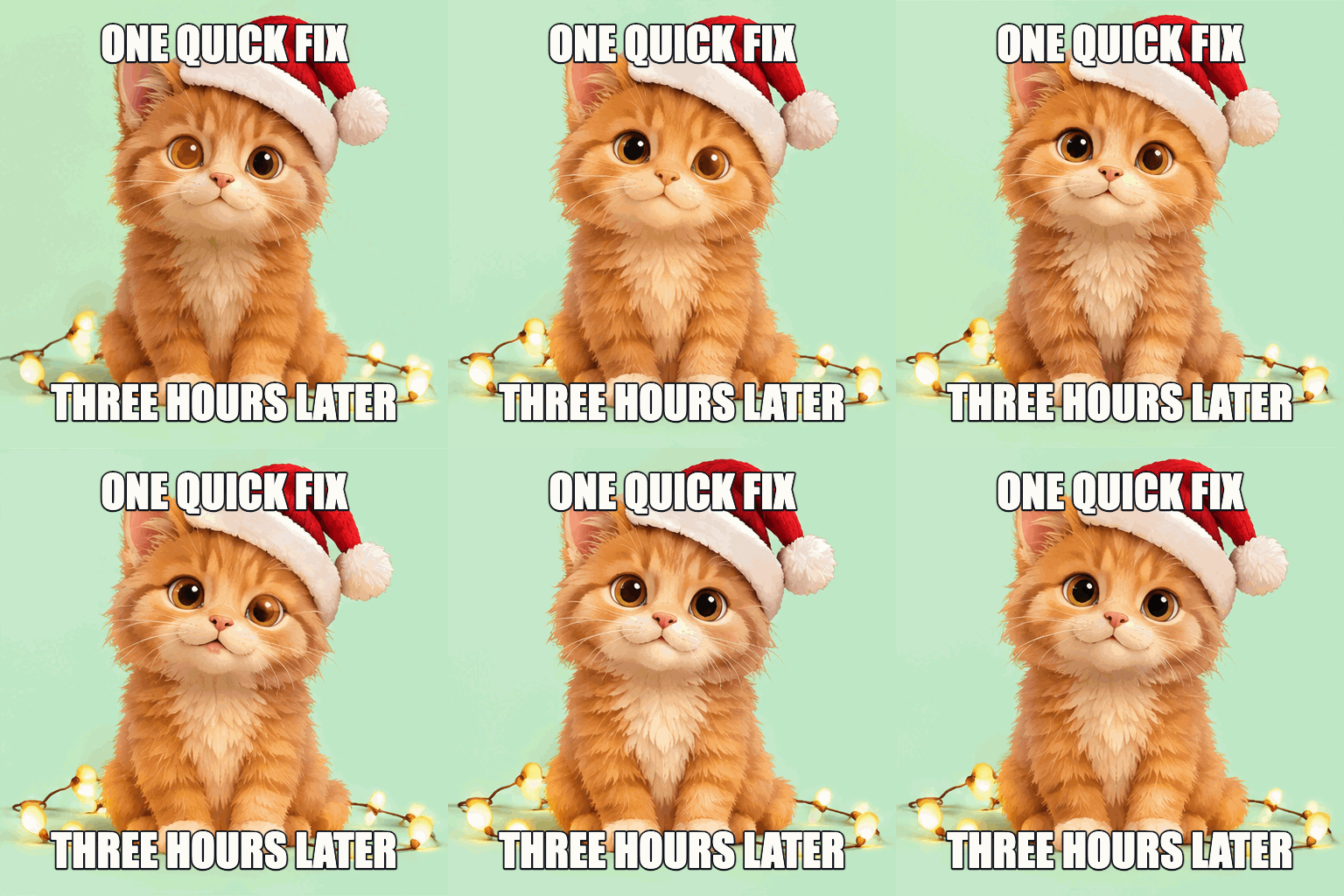
512 × 512 · 9 frames · 1.8s · 708,310 bytes
FREE GIF CAPTION EDITOR
Add your punchline, keep the animation, and download a GIF you can actually send. Start with a sample or open your own GIF.
Free · No login · Files stay on your device · No credits used
Add a caption for free ↓Opening GIF…
These are real exports from this editor. Try the same captions, or make the joke your own.
512 × 512 · 9 frames · 1.8s · 708,310 bytes


128 × 128 · 9 frames · 1.8s · 34,821 bytes
Open your own file or start with a real sample. Local files stay in your browser.
Add top and bottom captions. Adjust size, spacing and bold or meme-style text.
Choose a platform preset. We check the byte limit while keeping the animation and timing.
MAKE THE NEXT REACTION YOURS
Start with a prompt, generate a new loop, then add your punchline in the free editor.
New accounts get 40 free credits. Editing and exports stay free.
Up to 20 Flare GIFs or 10 detailed GIFs. Each generation uses credits.
See the $4.99 Starter pack ↗No subscription · Credits valid for 365 days · Failed generations return credits
Yes. Opening a GIF, adding captions and exporting are free, with no account or generation credits required. Creating a new GIF with AI is a separate credit-based feature.
Yes. The editor exports an animated GIF and preserves frame timing. Re-encoding may change colors and file size; check the prepared preview before sharing.
Local GIF files are processed in your browser. Your GIF and caption text are not uploaded for editing.
Yes. Choose an emoji or sticker preset to check dimensions, duration and file size. Platform permissions still apply; the editor does not remove opaque backgrounds.
GIF only · up to 8 MB, 1024 px per edge, 120 frames and 16 million decoded pixels.
Or try a real studio example
Keeps source dimensions first. Re-encoding may change colors and file size.
Preview layout may vary slightly by font. Check the prepared GIF before sharing.
Free · No login · Files stay on your device · No credits used
Create a GIF from text ↗