
A REACTION YOUR SERVER CAN OWN
Make a Discord emoji from your GIF.
Open a GIF, add a short caption, and export a square animation within the emoji file limit. Try the free sample first, or create an original reaction with AI.
Free · No login · Files stay on your device · No credits used

Make your GIF Discord-ready
FreeActual file size shown below. Your own GIF may need a shorter loop or fewer details.
Choose your GIF
GIF only · up to 8 MB, 1024 px per edge, 120 frames and 16 million decoded pixels.
Or try a real studio example
Square canvas with padding. Animated emoji use is subject to Discord Nitro and server permissions.
Preview layout may vary slightly by font. Check the prepared GIF before sharing.
Free · No login · Files stay on your device · No credits used
Create a GIF from text ↗MAKE THE NEXT REACTION YOURS
Give your server a reaction nobody else has.
Start with a prompt, generate a new loop, then add your punchline in the free editor.
New accounts get 40 free credits. Editing and exports stay free.
$4.99 once · 400 credits
Up to 20 Flare GIFs or 10 detailed GIFs. Each generation uses credits.
See the $4.99 Starter pack ↗No subscription · Credits valid for 365 days · Failed generations return credits
Built for the small space beside a message.
- 01
Keep it readable at 128 px
Pick one centered character, a bold silhouette and one small movement. Avoid tiny details and long captions.
- 02
Export emoji or sticker
Emoji: 128 × 128, up to 256 KiB. Sticker: 320 × 320, up to 512 KiB and 5 seconds. Square padding preserves the whole character.
- 03
Upload in your server
Open Server Settings → Emoji or Stickers, upload the GIF and give it a name. You need the relevant server permission; animated emoji use is subject to Discord Nitro.
Create a new loop
Compare one-time credit packs ↗AI generation needs an account and credits. The sample editor above is free.
Before you share
Is this a GIF emoji or a Discord sticker?
Both export presets are available. Emoji uses 128 × 128 with a 256 KiB limit. Sticker uses 320 × 320, a 512 KiB limit and a maximum 5-second loop.
Do I need Nitro?
Generating and editing here does not need Nitro. Discord controls who may upload and use animated emoji and stickers; Nitro and server permissions can affect their use.
Will my background become transparent?
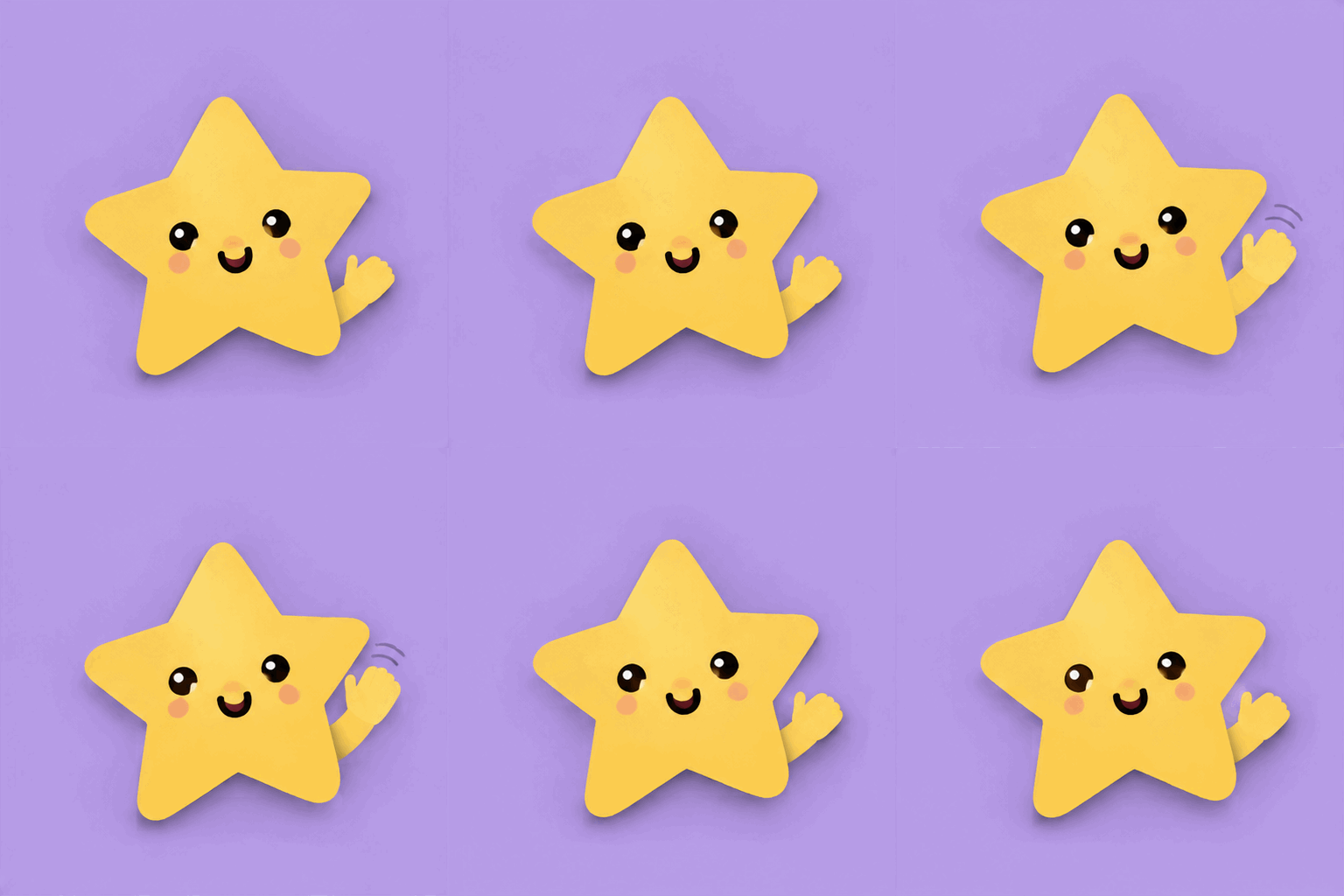
The editor preserves existing GIF transparency and pads non-square files. It does not remove an opaque background. The waving-star sample has a lavender background.
Export requirements: Discord Emoji API · Discord Sticker API
Read the reaction prompt guide ↗