
A LITTLE HOLIDAY MISCHIEF
Your Christmas greeting, with a personality.
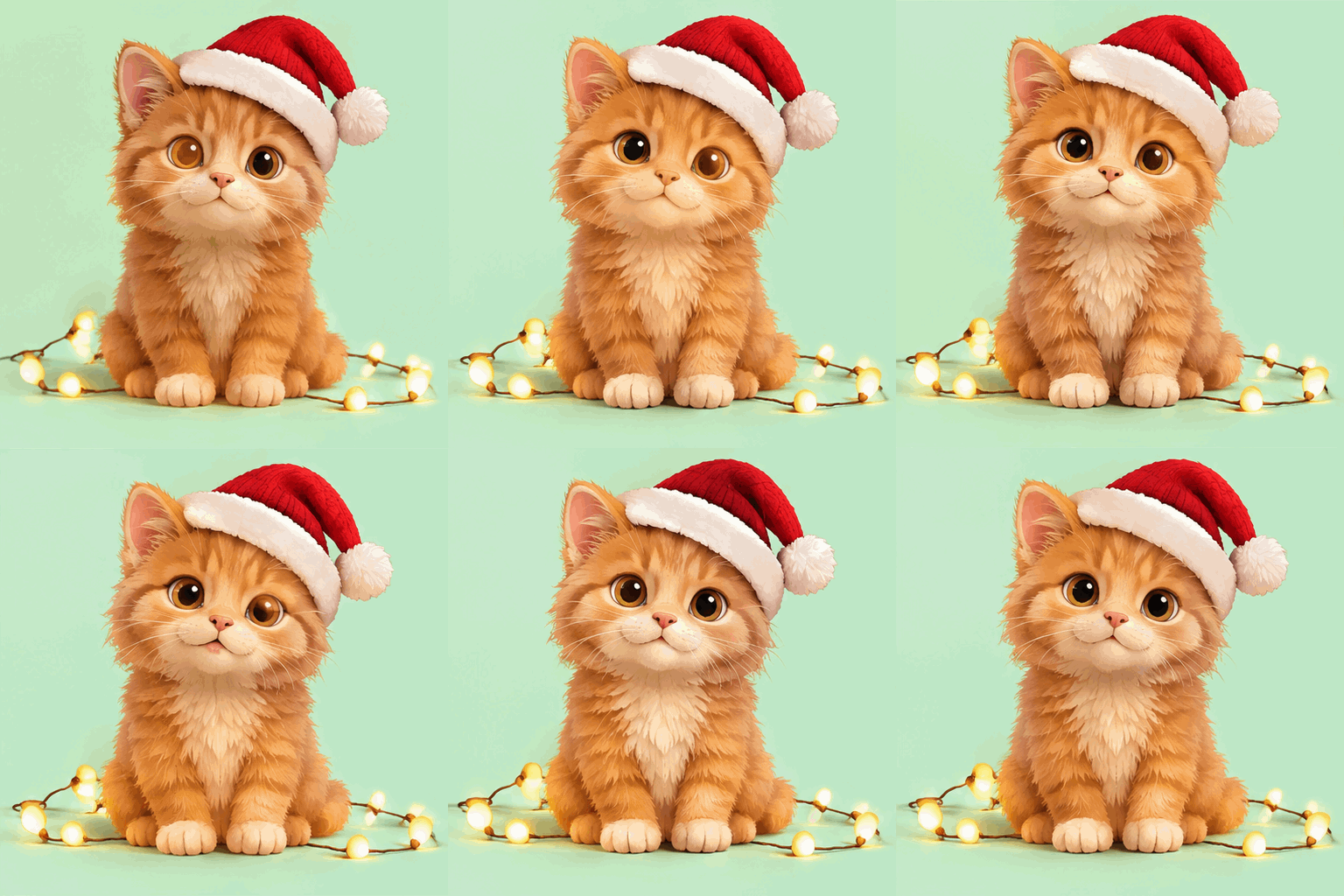
A sleepy Santa cat. A waving little star. A tiny loop that feels like you. Start with the real cat example, add your greeting for free, or generate a different character.
Free · No login · Files stay on your device · No credits used
Finish your GIF
FreeChoose your GIF
GIF only · up to 8 MB, 1024 px per edge, 120 frames and 16 million decoded pixels.
Or try a real studio example
Reduces palette and, when needed, dimensions. A smaller file for sharing; app limits can vary.
Preview layout may vary slightly by font. Check the prepared GIF before sharing.
Free · No login · Files stay on your device · No credits used
Create a GIF from text ↗A greeting that gets sent, not skipped.
- 01
Choose one small moment
A blink, gentle head bop or wave reads better than a whole Christmas movie. Keep one subject and a fixed camera.
- 02
Make the words yours
Add “Merry Christmas”, an inside joke or a friend’s name in the caption editor, after generation. It is easier to control than asking AI to draw the lettering.
- 03
Keep the file shareable
Export a compact GIF for chats, or choose a Discord / Slack emoji preset. We check the final byte size before offering the download.
Create a new loop
Compare one-time credit packs ↗AI generation needs an account and credits. The sample editor above is free.
Before you share
Can I add a Christmas greeting without signing up?
Yes. The sample GIF and free caption editor work without an account. Your own local GIF also stays in your browser.
What does a new AI Christmas GIF cost?
A Flare GIF uses 20 credits. New accounts receive 40 credits. Extra credits are one-time packs with no automatic renewal; daily generation limits apply.
Can I animate a family photo?
This studio generates from text. The editor can add text and resize an existing GIF, but it does not animate an uploaded still photo.