
Nov 5, 2026 · ChatGIFMaker · 2 min read
Christmas Cat GIF Prompts
Make an original Christmas cat GIF from a copyable prompt. See a real Flare example, choose a small motion and try your own holiday reaction.
Make a Christmas cat GIF from one small motion
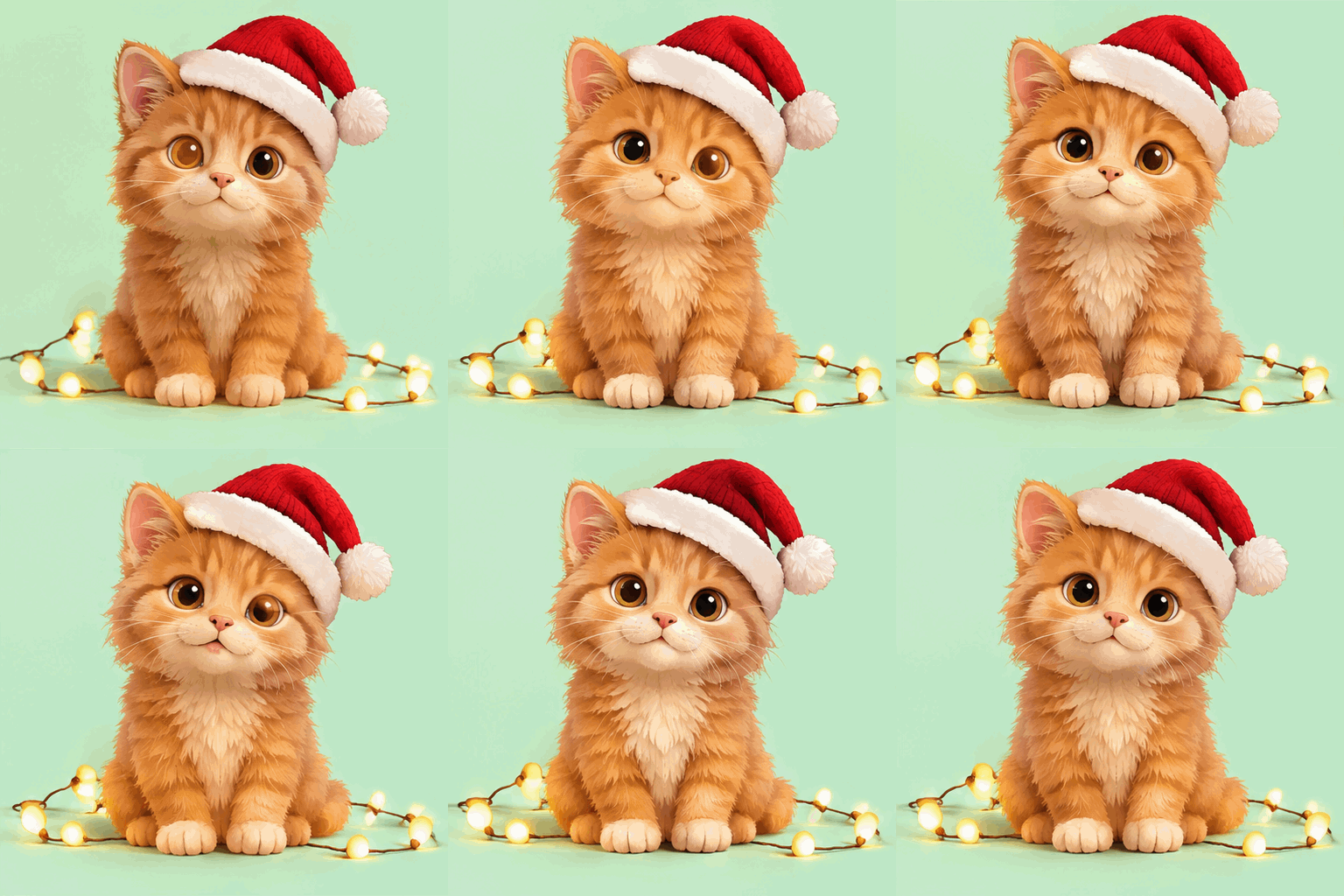
Start with one original cat, one holiday detail and one repeated movement. The example on this page is a real GPT Image 2.6 Flare output made through ChatGIFMaker: a ginger cat in a Santa hat on a mint background. You can download the example or use its exact prompt in the studio.
The prompt behind this example
An original cute fluffy ginger cat in a red knitted Santa hat gently bops its head and blinks, tiny warm fairy lights beside it. Playful clay-like 3D illustration, solid pale mint background, one centered full character, no text, no logos. Fixed camera, a small gentle motion, seamless loop returning to the starting pose.
The prompt separates the subject, action, style and loop. Keeping the lights still and moving only the cat gives the animation one clear job. The model may interpret the style differently on each generation; a prompt is a starting point, not a guarantee of an identical file.
Three variations for different conversations
- Already in Christmas mode: keep the gentle head bop and Santa hat. Use it as a playful November reply.
- Waiting for presents: change the movement to a slow blink beside one wrapped box. Keep the box still.
- Holiday excitement: ask for one small paw wave. Avoid adding a dancing crowd, falling gifts and a moving camera to the same loop.
Use your own character description and avoid copying a named cartoon or brand mascot. Do not request a specific real person's likeness.
Make and review your version
- Open the prompt above in the studio and change one detail.
- Sign in with Google or email. New accounts receive 40 credits; the Flare GIF preset costs 20 credits.
- Generate, then watch the full loop. Check the hat, paws and final-to-first frame transition.
- Download the GIF. Check the destination app's size and upload rules before posting.
The current preset produces a 512 × 512 GIF with 9 frames at 200 ms per frame, for a 1.8-second loop. Failed generations return reserved credits. Credit packs start at $4.99, with no subscription.
Why a GIF instead of a still image?
A small blink or head movement can carry a reaction without adding a caption. Keep important text in the accompanying message: generated lettering can vary, and the animation should remain readable at chat size.
Next: everyday reaction GIF prompts or the text-to-GIF workflow.
Finish the reaction
Add a caption and choose an export preset without logging in. Editing runs locally and uses no generation credits. Try the Christmas GIF maker for a focused starting point.