
Nov 5, 2026 · ChatGIFMaker · 2 min read
How to Make a GIF with GPT Image 2.6
Make GIFs from text with GPT Image 2.6 Flare. Learn the prompt, signup credits, current output format and the difference from animating an uploaded photo.
Can ChatGPT make a GIF?
OpenAI’s current developer guide documents animated GIF output from GPT Image 2.6 Flare and Sunburst through the Image API. API support does not establish that every ChatGPT account or third-party gateway exposes the same controls. ChatGIFMaker is an independent product, not an OpenAI service.
Open the ChatGIFMaker prompt studio, use Google or email to sign in, and generate from your text prompt. New accounts receive 40 credits. A Flare GIF costs 20 credits; failed attempts return reserved credits. Real sample outputs and copyable prompts are available in the tutorials.
Write a prompt that loops
Describe one subject, one action and a fixed camera. Tell the model to return to the starting pose. For example:
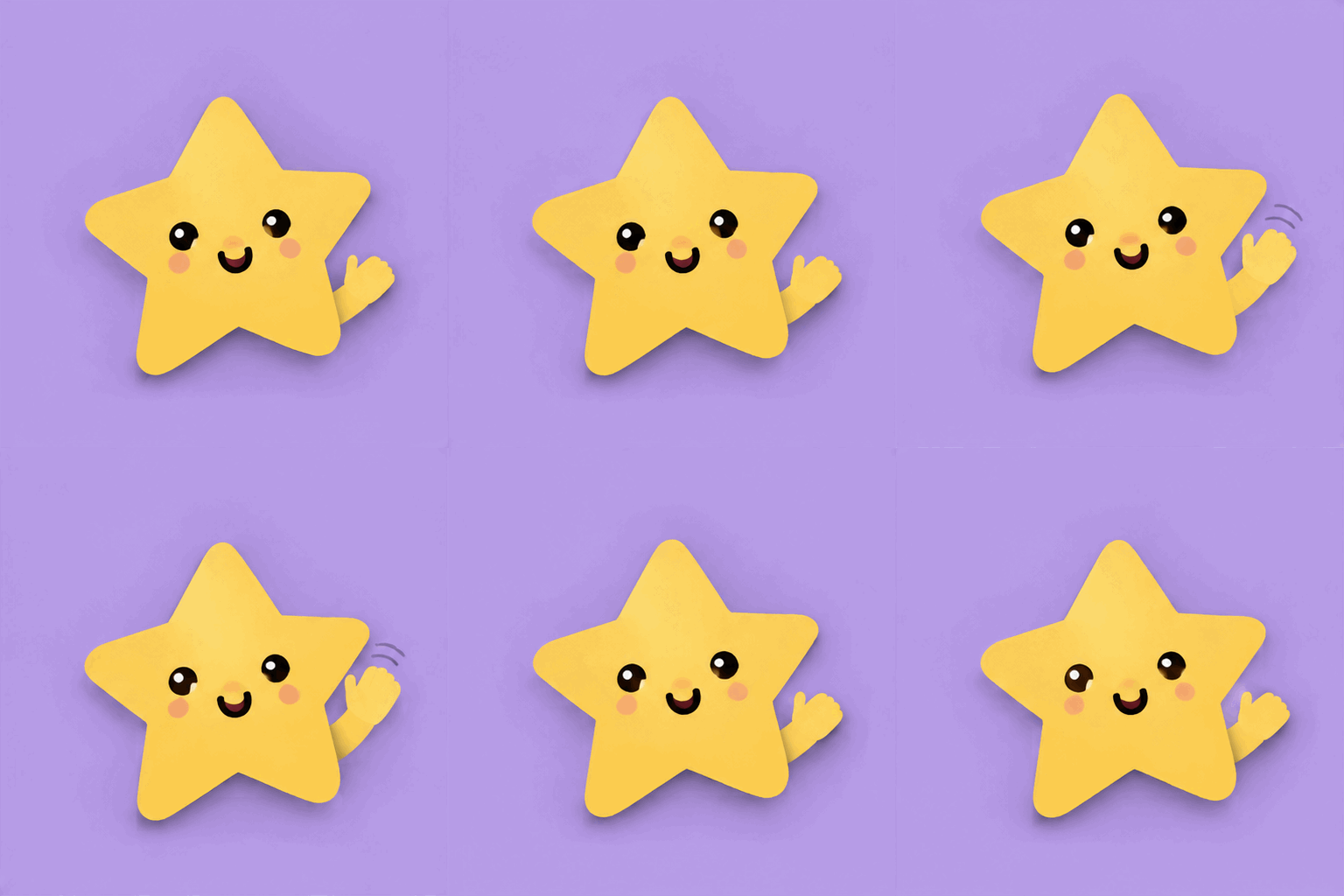
A happy little star waves hello. Cut-paper illustration on a lavender background. Gentle seamless loop, fixed camera. Return to the starting pose.
A blink, wave, breathing motion or gently rising steam is a more manageable first experiment than a scene with many moving characters. Review the first and last frames and look for jumps, changing shapes and unintended text.
Use the image generation endpoint
For a supported official API account, send POST /v1/images/generations with the chosen 2.6 model and output_format: "gif". The finished file is returned as base64 data. A small starting configuration is 9 frames at 200 milliseconds per frame: a 1.8-second loop. Each finished frame can be 512 × 512 pixels, subject to the model’s limits and total request pixel budget.
Do not assume a third-party gateway accepts the same model IDs, output formats or response shape. Some gateways return an asynchronous task ID rather than a finished file.
Image-to-GIF and SVG are different workflows
The documented image edit endpoint does not support GIF output. This version of ChatGIFMaker therefore does not advertise uploaded-photo animation through that endpoint.
SVG output is for static vector graphics. It is useful for shapes, icons and illustrations, and is separate from animation. Complex designs may need manual review and editing.
What does a GIF cost in ChatGIFMaker?
A Flare GIF uses 20 credits, a Sunburst GIF uses 40, and static SVG uses 10. New accounts receive 40 credits. One-time packs are $4.99 for 400 credits, $12.99 for 1,200, and $29.99 for 3,000. Purchased credits are valid for 365 days. There is no subscription or automatic renewal. Daily generation capacity limits apply, and failed generations return reserved credits. Compare credit packs.
What can I make and download?
The current GIF preset is 512 × 512 pixels, 9 frames at 200 ms per frame: a 1.8-second loop. You can download successful outputs from your account. The result may contain imperfect details or an uneven loop, so review before sharing. Try the Christmas cat, Thanksgiving turkey or everyday reactions.
Sources checked 5 November 2026: OpenAI image generation guide and Flare model details. The model documentation establishes API features; it does not establish that every ChatGPT account or external gateway offers the same workflow.