
Nov 5, 2026 · ChatGIFMaker · 2 min read
AI Reaction GIF Prompts
Make your own hello, coffee-mood and celebration GIFs. Start with a real Flare example and a simple prompt formula for cleaner loops.
Make a reaction GIF with one readable action
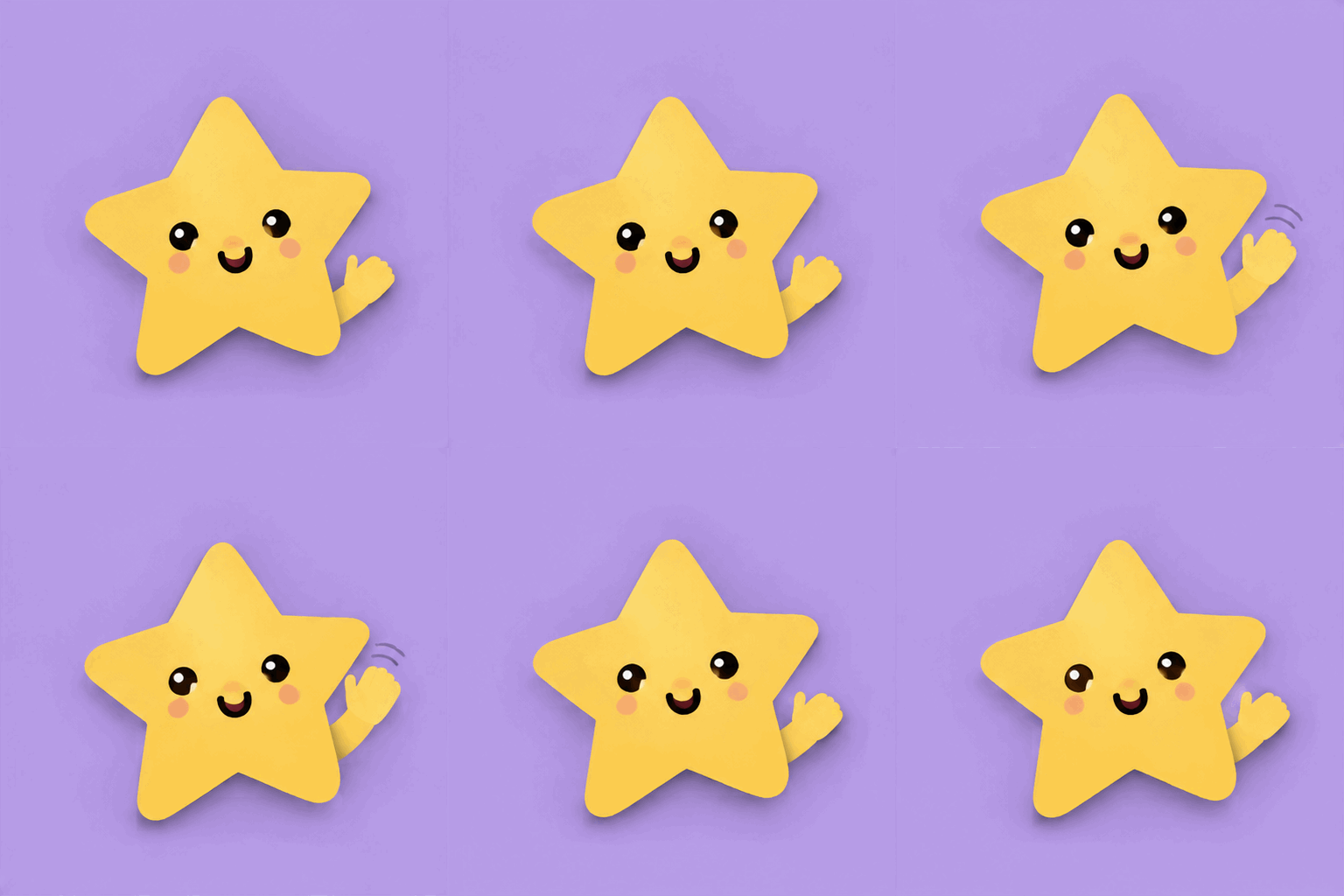
For a chat reaction, start with a greeting, a mood or a small win. One clear gesture usually reads better at a small size than a busy scene. The waving yellow star shown here is an actual GPT Image 2.6 Flare output. Use a waving-star prompt as a starting point; your new result will vary.
The prompt formula
Subject + small motion + visual style + simple background + fixed camera + return to the starting pose.
A happy little yellow star waves hello. Cut-paper illustration on a lavender background. Gentle seamless loop, fixed camera. Return to the starting pose. No text.
Keep the camera still so the gesture carries the expression. Leave empty space around the character and use a background that separates it from the foreground.
Three original ideas to customize
- Hello: a little star waves one hand and blinks. Try a paper-cut or soft clay style.
- Coffee first: a sleepy original cat lifts one cup, blinks and lowers it back. Keep steam and camera movement minimal.
- Small win: a round original character makes one small bounce and settles. Try two static confetti shapes rather than a shower of moving objects.
These variations are prompt ideas, not three additional verified outputs. Change one variable at a time so you can tell which edit improved the result. Avoid copying a named character or implying a real person's endorsement.
Cost and output
The current Flare GIF preset costs 20 credits. It generates 9 frames at 512 × 512 pixels, with 200 ms per frame, for a 1.8-second loop. New accounts receive 40 credits. Failed generations return reserved credits. Paid packs are one-time purchases, with no auto-renewal.
Before you send it
Watch the loop more than once. Check for changing fingers, facial features, unexpected text and a visible jump between the last and first frames. Download the file and preview it in your intended app; third-party services have their own upload limits and may process GIFs differently.
Text-to-GIF and static SVG are separate workflows. This version does not animate uploaded photos. Read how the GIF maker works for the full process, or try a seasonal Christmas cat.
Finish the reaction
Add a caption and choose an export preset without logging in. Editing runs locally and uses no generation credits. Try the Discord animated emoji maker for a focused starting point.