
Character actions
Single-wave character loop
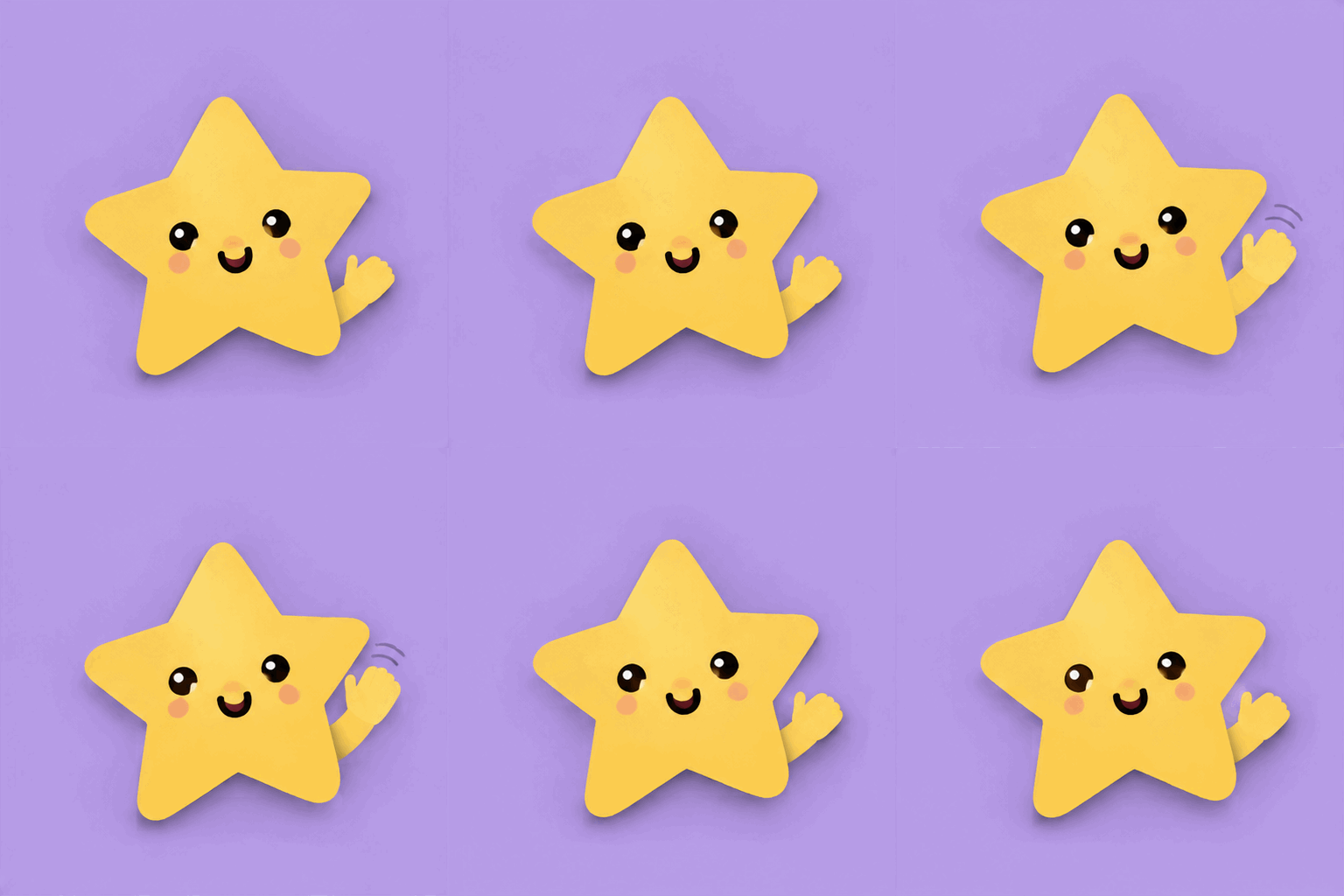
A single character raises one hand and lowers it, with the camera locked. Use it when you only need a hello, not a walk cycle.
Adapted for this site’s 512×512, 9-frame, 200 ms preset. This is not a reproduction of a source post, and this page does not claim the prompt was run here.
What it is for
A wave is a complete GIF by itself: the hand goes up and comes back. Public one-line prompts often say “make a looping GIF of this character waving” while attaching a picture. Here the character has to be described, because no picture is sent.
What you should see
The whole character remains visible. One hand waves. The feet, the other hand, and the background stay quiet. The last moment matches the first.
Replace the examples
The prompt below updates as you type. Example values start filled in, so a blank token cannot be copied or sent to the studio.
Prompt the studio will receive
Make a looping GIF of one original character waving hello. The character is a small yellow paper star with two stubby arms, shown full-body and centered on a lavender background. One hand lifts in a small wave and lowers to where it began. The body stays planted; there is no walk, jump, or turn. Fixed camera, one subject, one simple action, no cuts, no text, no logo, no frame grid.
This only fills the studio. It does not generate a GIF and does not spend credits. After sign-in you return to the studio; press Generate yourself.
Settings this site actually uses
GIF output is fixed at 512×512, 9 frames, and 200 ms per frame, a 1.8 second loop. The studio asks for low quality and low complexity. Flare is the default and costs 20 credits. Sunburst is the detail option and costs 40 credits. You can switch models in the studio. You cannot change the frame count, size, or speed from a recipe. A failed generation returns the reserved credits.
Do it in this order
- Decide which hand waves. Say “one hand” so the model does not invent a second wave.
- Keep the body in the frame. A close crop on the hand often loses the loop.
- Use this prompt in the studio without changing format away from GIF.
- The star sample link opens that sample’s own prompt. It replaces whatever is in the studio, so copy yours first if you still need it.
If the GIF misses
What went wrong
Both arms wave, or the character spins to show the back.
Change the prompt to
Set the character to a front view and add “the other arm stays down.”
What went wrong
The wave becomes a walk or a dance.
Change the prompt to
Delete rhythm, steps, and music words. Leave only “one small wave, hand returns.”
What went wrong
The character no longer matches the one you described.
Change the prompt to
Use four concrete traits at most. A long costume list changes every frame.
Limits to keep in mind
- There is no “this character” image input. A turnaround sheet cannot be attached.
- One wave is the whole action. A greeting plus a bow plus a walk is a different, longer film.
- The paper-star file is an existing site sample with its own prompt.
Source of the idea
You can follow this page without opening the source. The link only names where the idea was seen.
- Krouxzz, one-line wave
The public line is essentially “make a looping GIF of this character waving.” This recipe keeps the wave and replaces “this character” with a written description.