
Chat reactions
Chat reaction GIF recipe
Build a one-action chat reaction: a centered character, a free caption band, and a return to the first pose.
Adapted for this site’s 512×512, 9-frame, 200 ms preset. This is not a reproduction of a source post, and this page does not claim the prompt was run here.
What it is for
Use this when a chat needs a short reaction such as a nod, a blink, or a small shrug. The loop is the character. The words go on afterwards, in the caption editor, so the model is not asked to draw lettering.
What you should see
One character stays in the middle. A single gesture plays and the pose, face, and crop match the opening again. The top band stays empty. The camera does not zoom.
Replace the examples
The prompt below updates as you type. Example values start filled in, so a blank token cannot be copied or sent to the studio.
Prompt the studio will receive
A square looping GIF of one original character only: a round mint-green frog with large glossy eyes. The figure stays centered and fully visible on a flat warm cream background. Leave a clean empty band across the top third so a caption can be added later. The action is exactly this and nothing more: blinks once, then gives one small nod. End on the same pose, expression, and crop as the first moment. Fixed camera, one subject, one simple action, no cuts, no zoom, no pan, no text, no letters, no logo, no transparency pattern, no frame grid.
This only fills the studio. It does not generate a GIF and does not spend credits. After sign-in you return to the studio; press Generate yourself.
Settings this site actually uses
GIF output is fixed at 512×512, 9 frames, and 200 ms per frame, a 1.8 second loop. The studio asks for low quality and low complexity. Flare is the default and costs 20 credits. Sunburst is the detail option and costs 40 credits. You can switch models in the studio. You cannot change the frame count, size, or speed from a recipe. A failed generation returns the reserved credits.
Do it in this order
- Keep the character to one body and one face. Extra limbs or a second character usually break the loop.
- Leave the example values, or replace them with your own. The prompt box must show the finished sentence, not a blank token.
- Choose Copy prompt, or Use this prompt. The second button only fills the studio. Sign in if asked, come back, then press Generate yourself.
- In the studio leave the format on GIF. Flare is the faster default; Sunburst is the detail choice. Do not expect a frame-count control.
- After a GIF downloads, open the caption editor if the reaction needs words such as “got it” or “thanks”. That editor does not spend generation credits.
If the GIF misses
What went wrong
Words appear in the picture, or the top band is crowded.
Change the prompt to
Repeat “empty top third, no letters” and shorten the character description so the face sits lower.
What went wrong
The nod becomes a jump, a spin, or a new pose at the end.
Change the prompt to
Replace the action with “one small nod only, then the same pose as the start.”
What went wrong
A second character or a speech bubble walks in.
Change the prompt to
Start the character field with “only one” and delete any mention of a friend, phone, or bubble.
Limits to keep in mind
- This site cannot animate a screenshot of a real chat or a photo of a person.
- Transparent GIFs are not promised. Use a flat background color instead.
- Model-drawn text is unreliable. Put the reply in the caption editor after the loop exists.
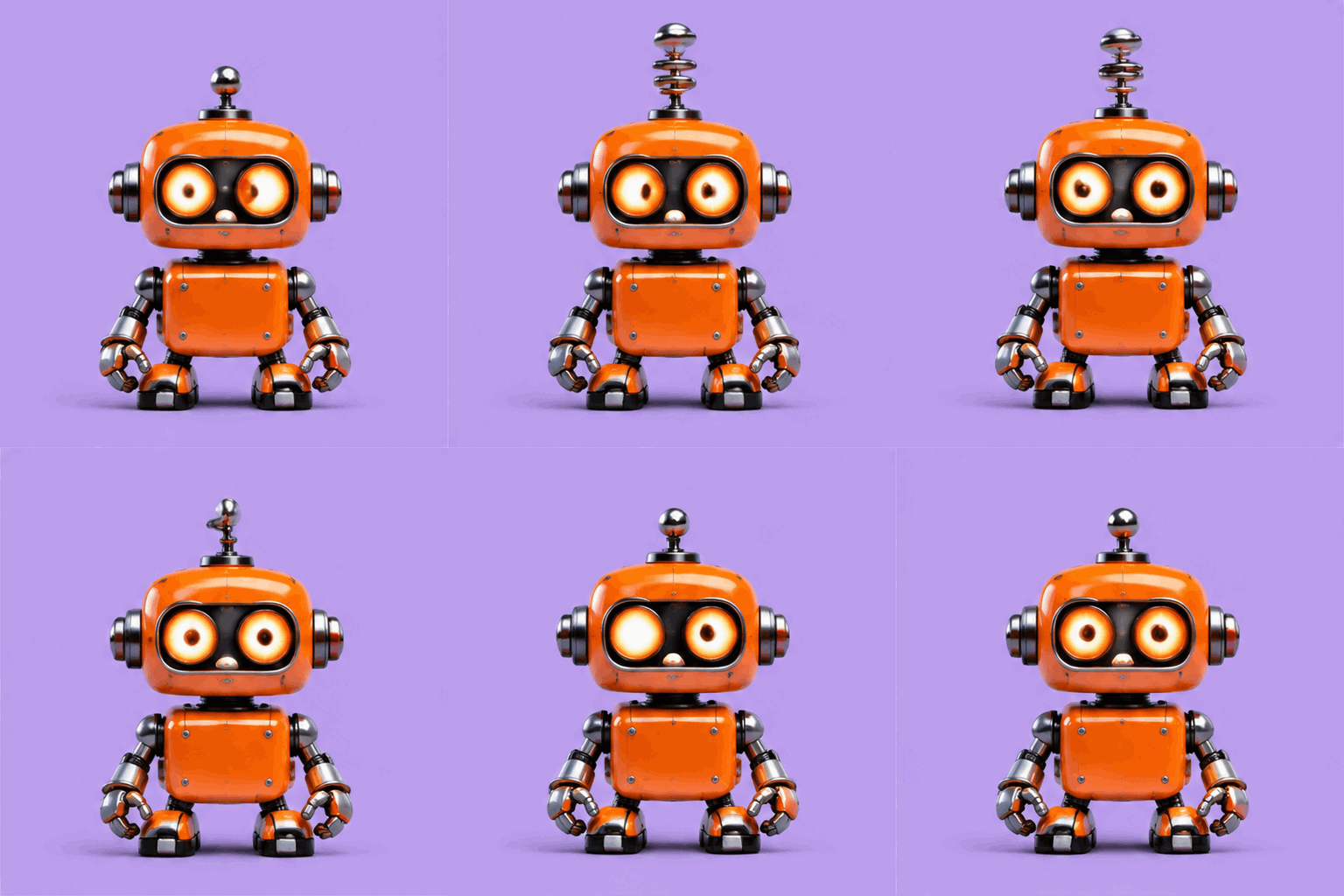
- The neighboring robot GIF uses a different prompt. It is not this frog recipe’s output.
Source of the idea
You can follow this page without opening the source. The link only names where the idea was seen.
- Derek Wall, character reaction loop
The idea borrowed here is a fixed camera, one action, a return to the first pose, and room for a fixed caption. This recipe describes the character in words instead of editing a reference image.